
Security
What is encrypted, and what isn't.
This page explains how Make protects your conversations and account, including the parts that are not end-to-end encrypted.
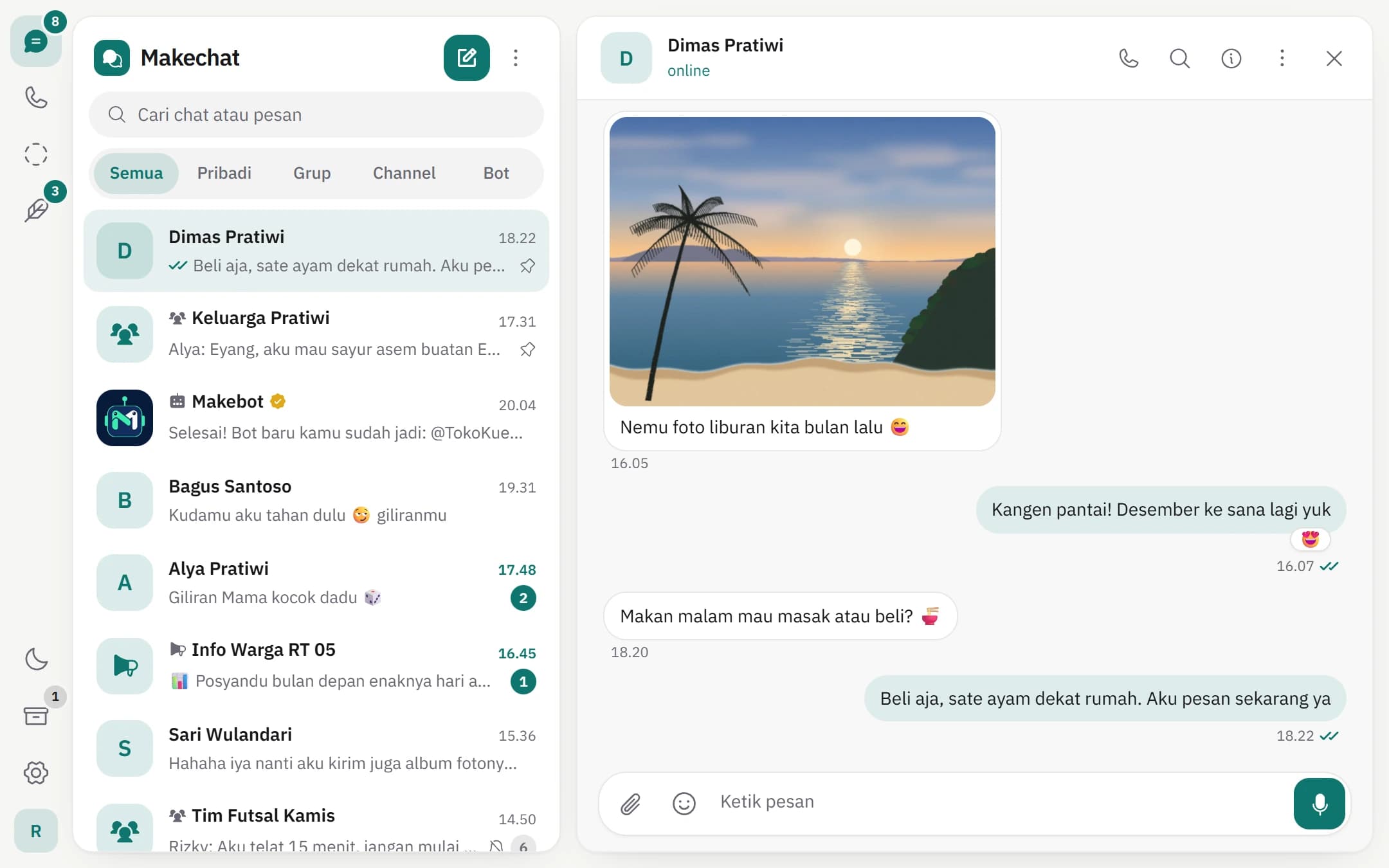
End-to-end encryption for private chats.
1:1 messages are encrypted with XChaCha20-Poly1305 using a key derived from an X25519 key exchange between both devices. Your secret key is created and kept on your device.
- Messages, photos, videos, documents, and reactions
- Groups, with sender keys replaced when members change
- Stories, sealed for each viewer
- 1:1 voice calls over WebRTC (DTLS-SRTP)
What is not end-to-end encrypted.
Some parts of Make deliberately don't use end-to-end encryption because they are public or need to be read by another service.
- Channel posts can be read by the server
- Chats with bots are read by the bot owner's server
- Makepost posts and articles are public
- Finance records are protected by your account and book member permissions
Limits worth knowing.
Makechat encryption does not yet change keys for every message (forward secrecy). Your chat key backup is protected by a PIN you create. Keep that PIN safe.
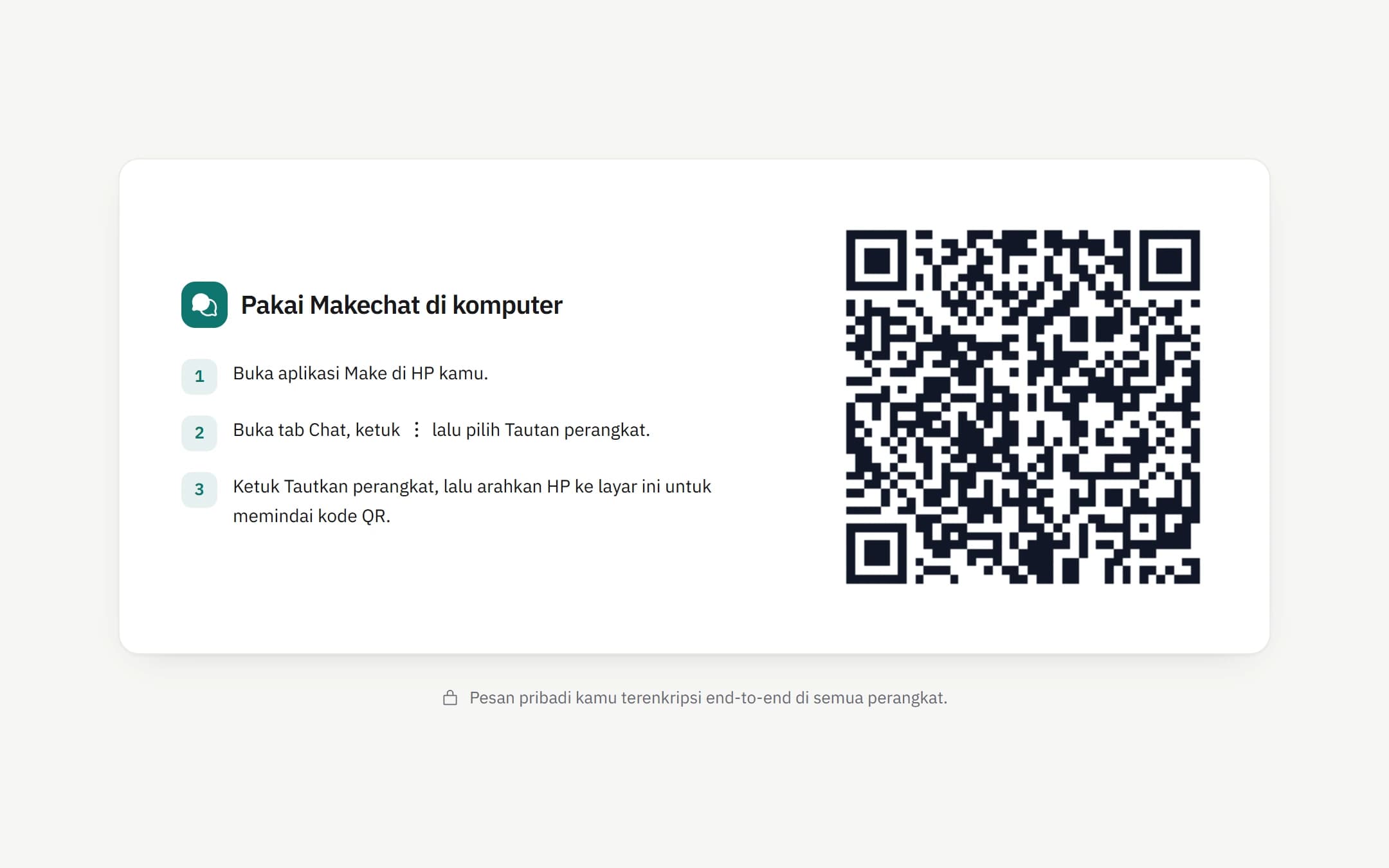
Link a browser without handing the key to the server.
When you scan the QR code, your phone seals the chat key for that browser only, so Make's servers can't open it. Each QR code is valid for 60 seconds, and linked devices can be removed from your phone.
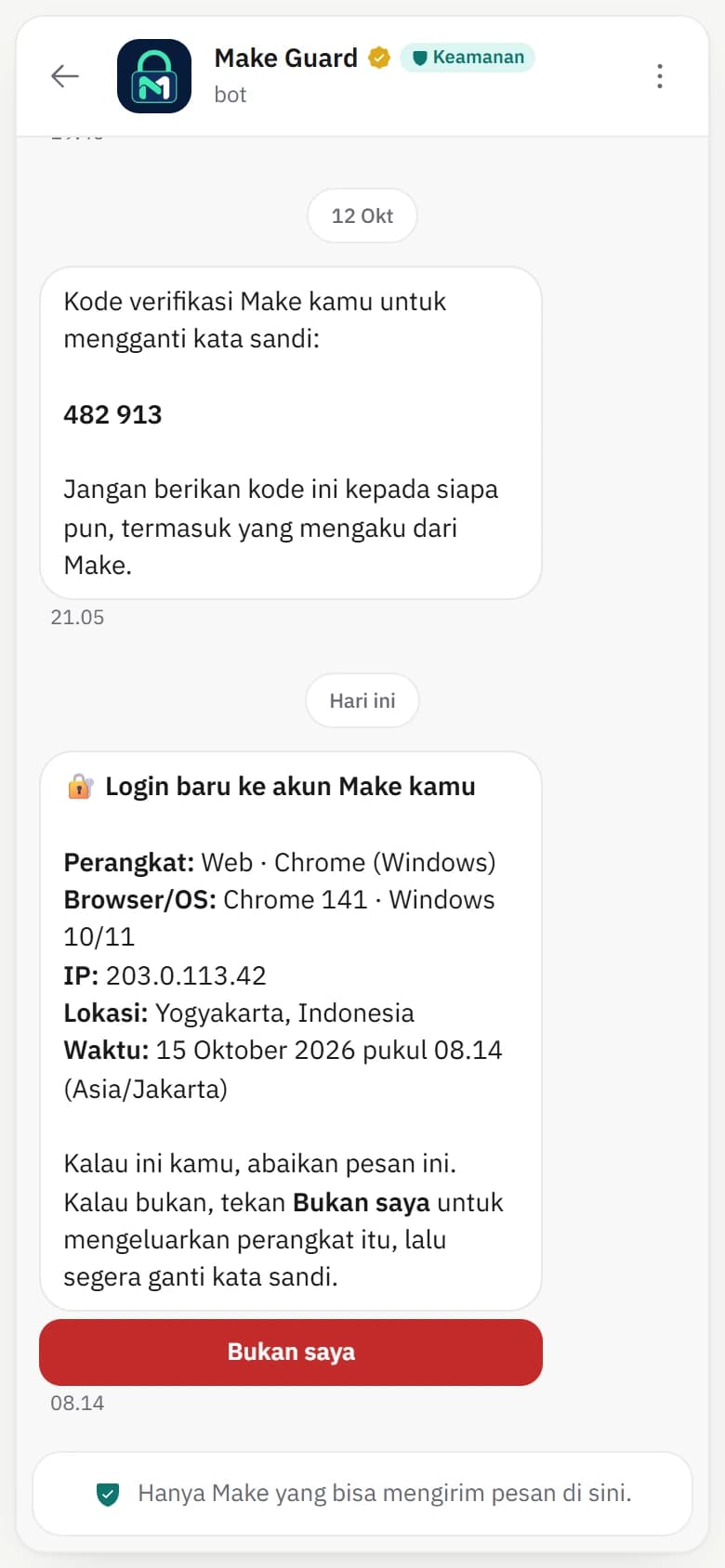
Make Guard: one-time codes and login alerts.
@makeguard sends sign-in codes and tells you when a new device signs in to your account. Tap It's not me to flag a login you don't recognise.
Make never moves your money.
Make is a record-keeping app. Accounts you add are not connected to a bank, and Make does not hold or transfer funds.
Need more help?

Start on your phone or in your browser.
Download Make for Android, or create an account on the web. Makechat web connects to the account on your phone with a QR code.
Available on Android and the web. The iOS version is not on the App Store yet.