
Makepost
Public updates, with you in control.
Makepost is Make's public space for posts, articles, polls, and news from verified portals. Its profile is separate from Makechat.
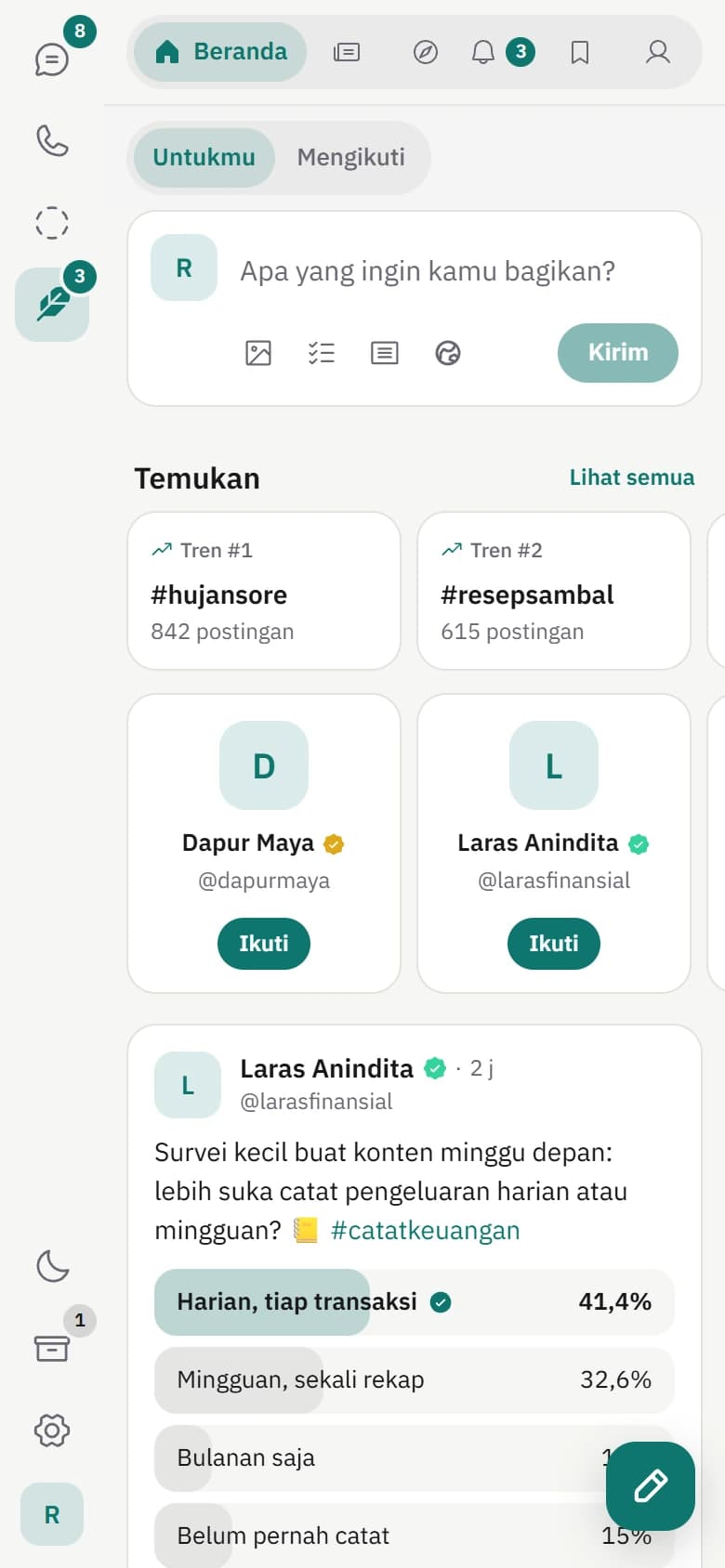
Short posts, photos, videos, and polls.
Write up to 280 characters, or 4,000 for checked accounts. Add up to 4 photos, 1 video up to 60 MB, or 1 GIF. Polls have 2 to 4 options and run from 5 minutes to 7 days.
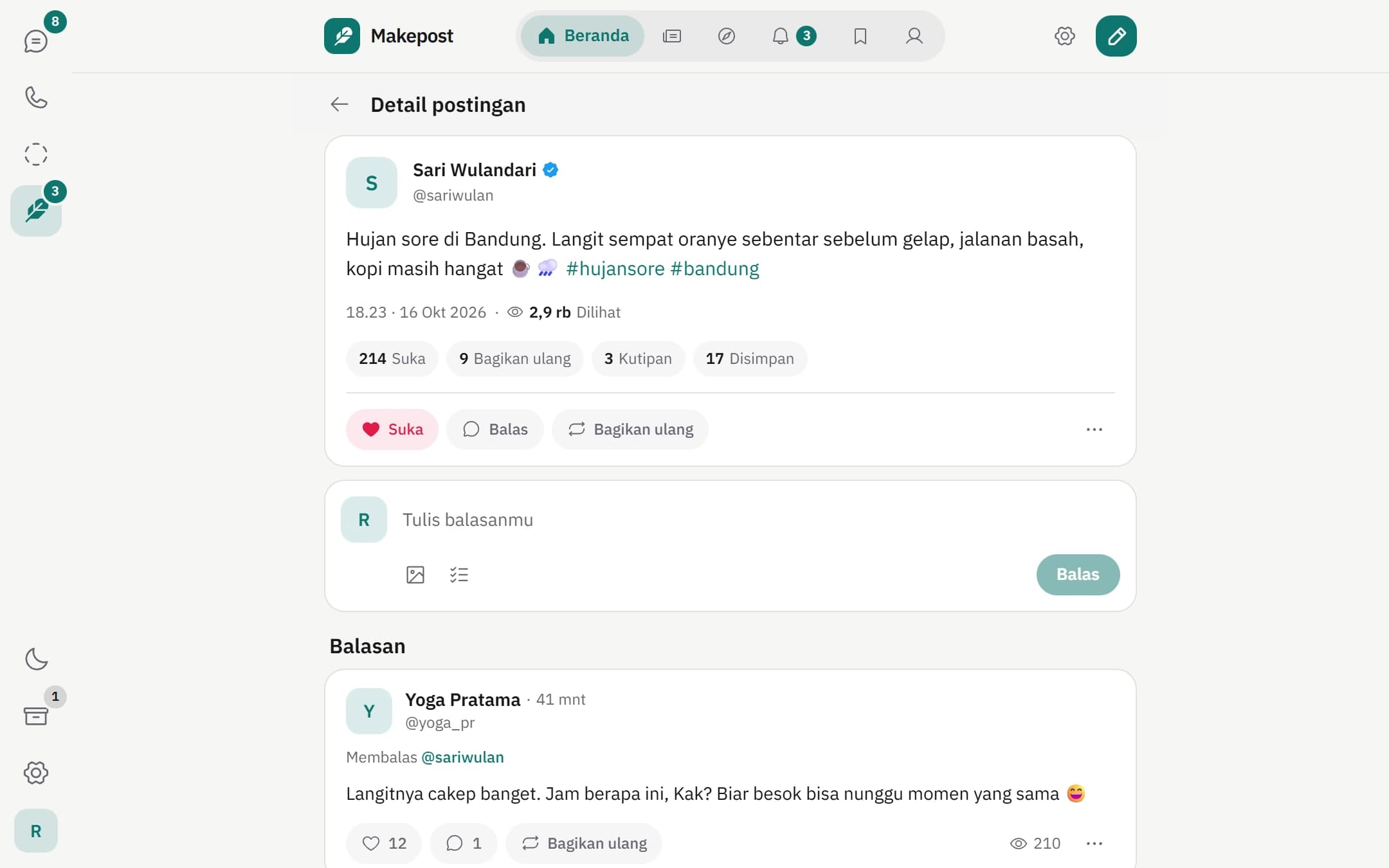
Reply, quote, and reshare.
Follow the conversation under each post, quote someone's post with your own take, or reshare it to your followers. Choose who can reply to your posts.
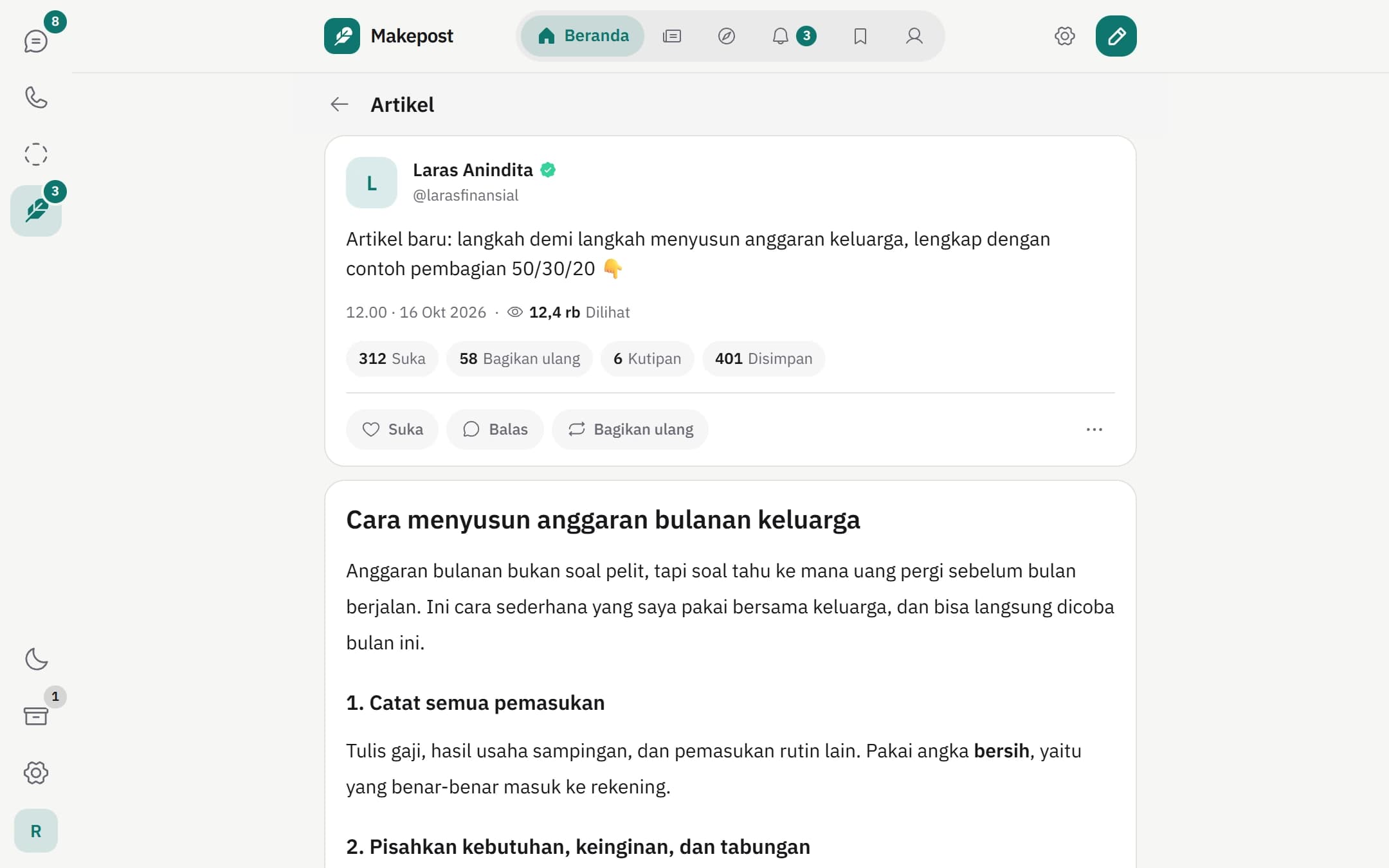
Long-form articles for checked accounts.
Checked accounts and News Portals can write articles of up to 100,000 characters with a title and cover image.
The News tab and News Portal verification.
The News tab shows what's trending in the last 48 hours or the latest stories, with a category filter. Only portals approved by the Make team can publish news, and every story needs a source.
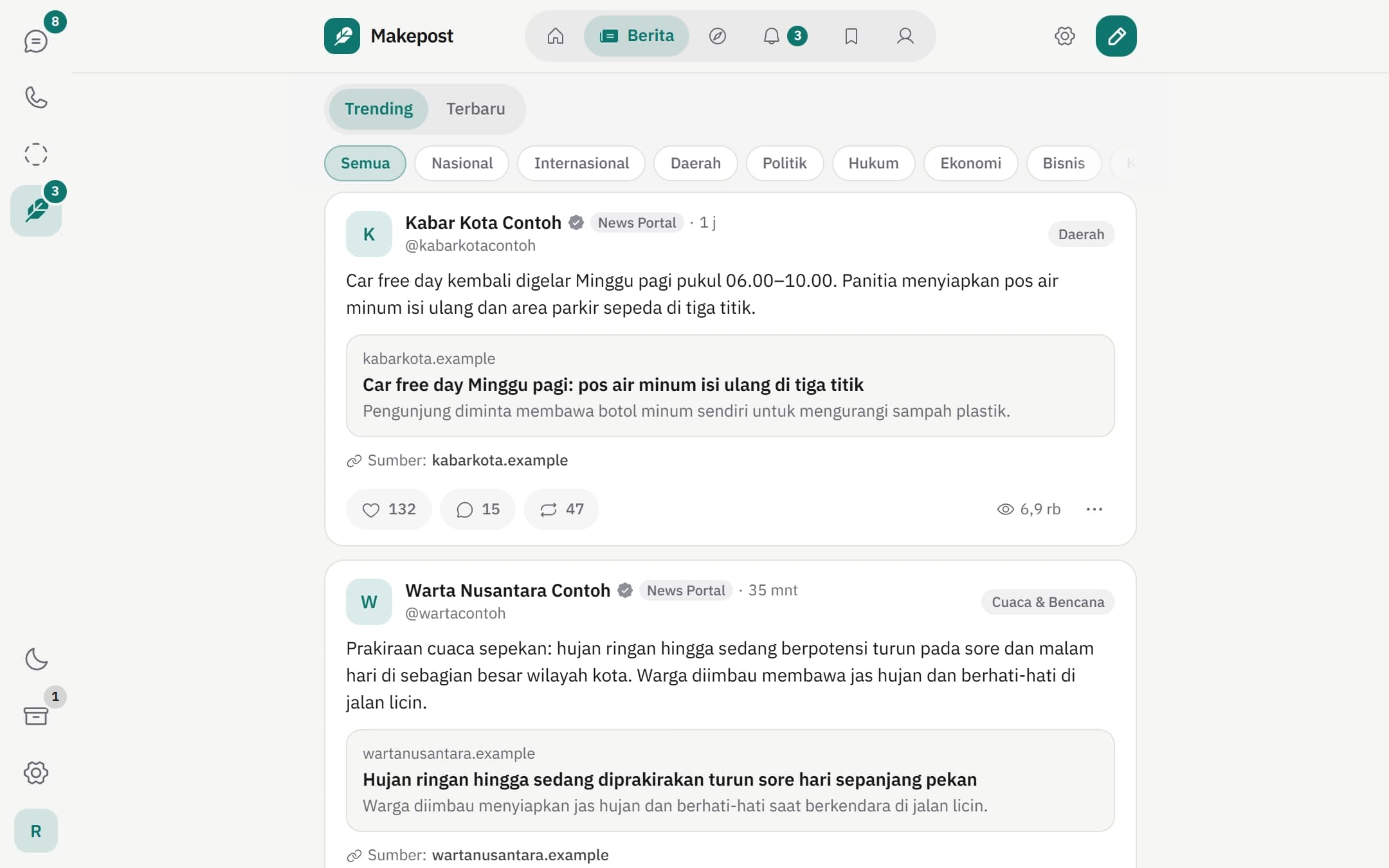
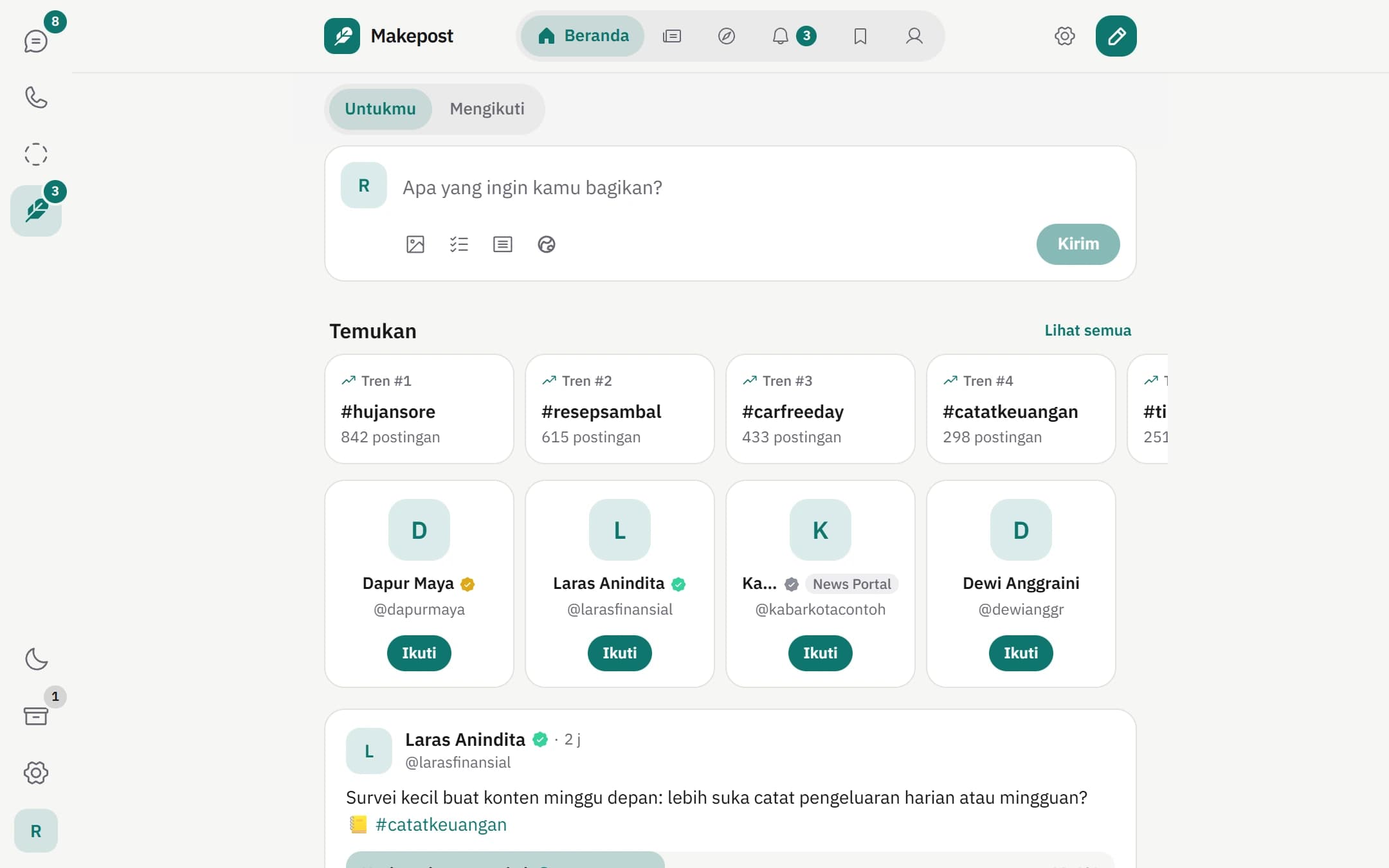
Trending, counted by distinct accounts.
Trending ranks hashtags and topics by how quickly different accounts start using them, not by one account posting over and over.
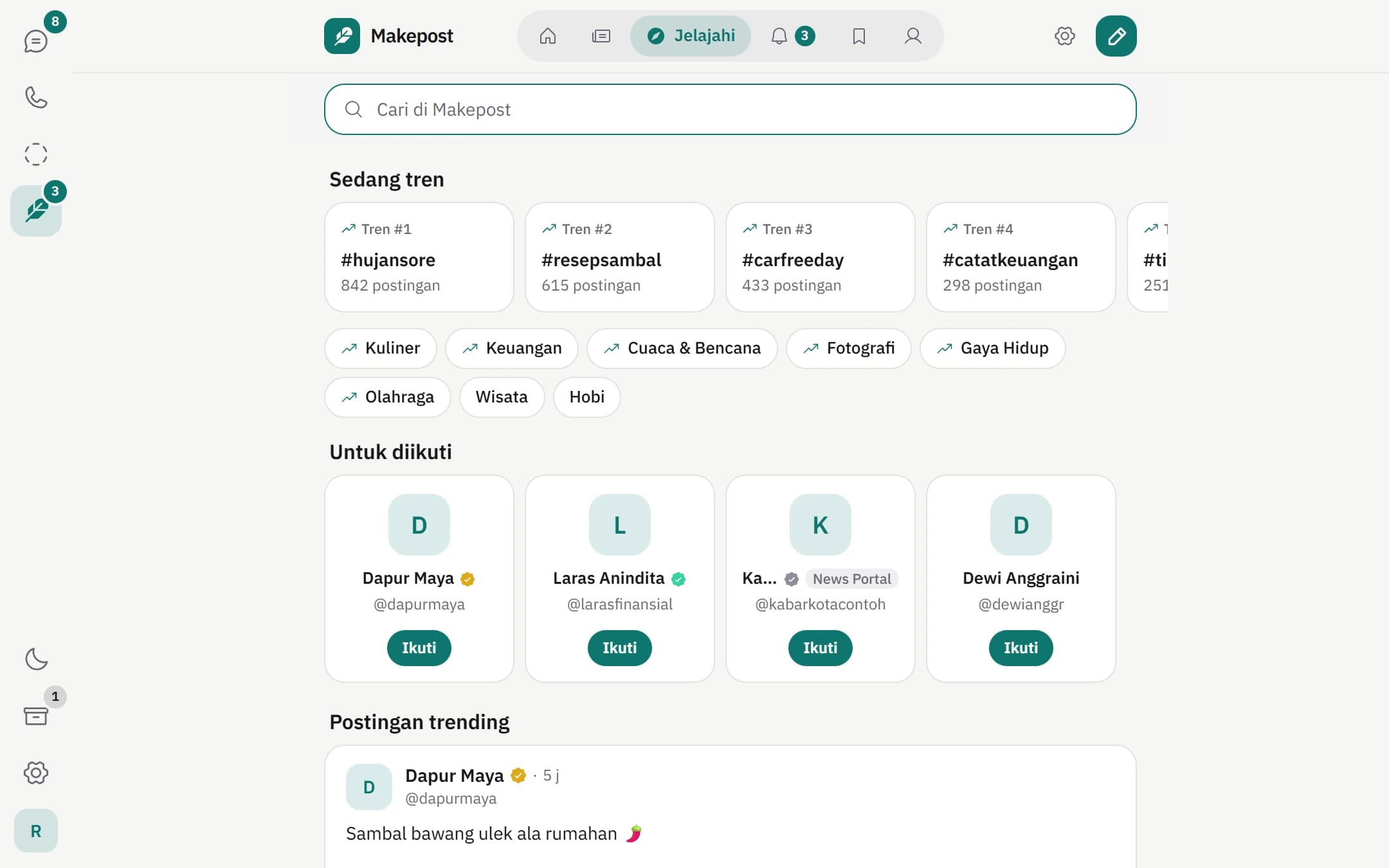
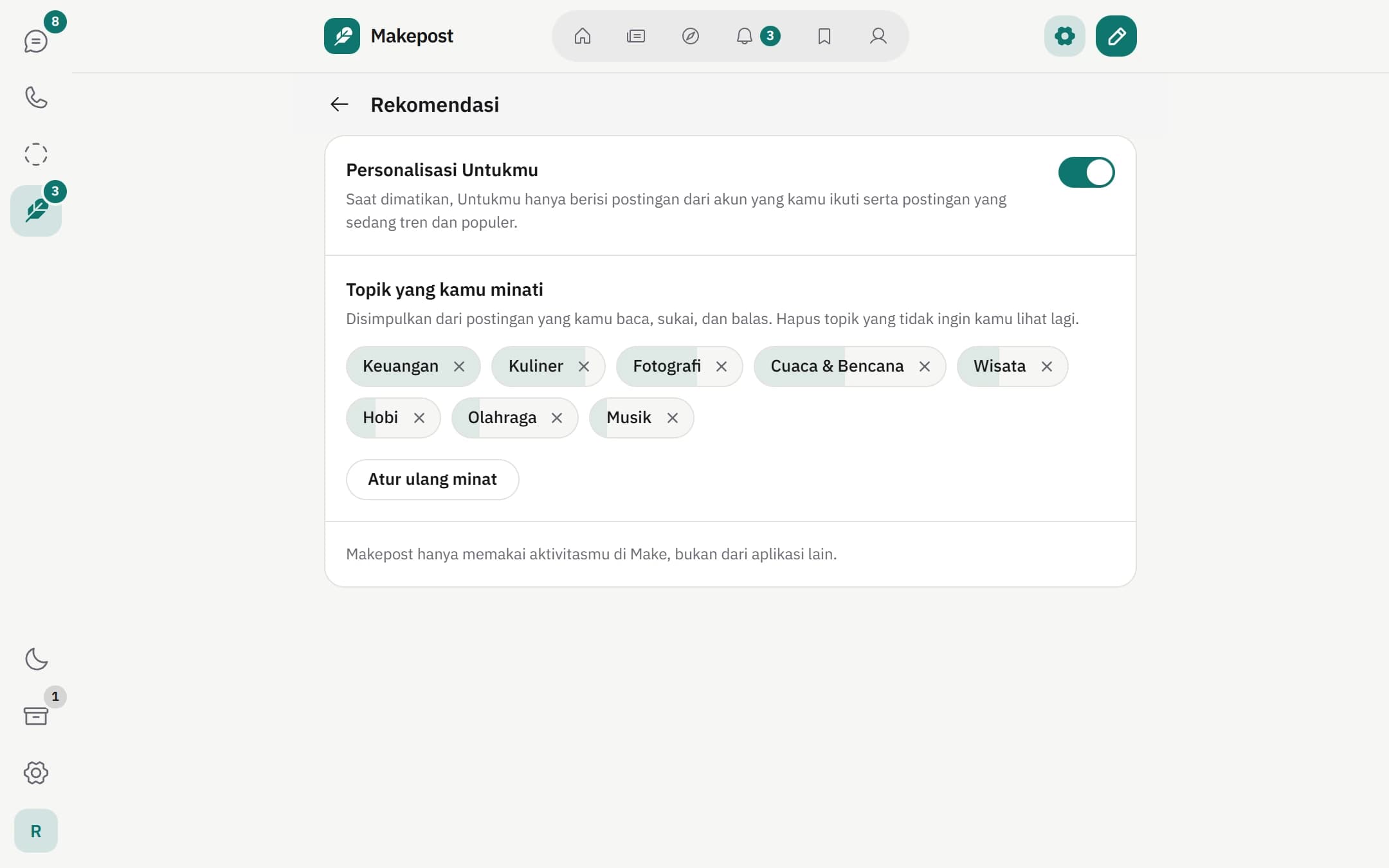
Recommendations you can adjust.
The For you feed only uses activity inside Make. Choose Not interested for a post, topic, or account, open Why am I seeing this, or switch personalisation off completely.
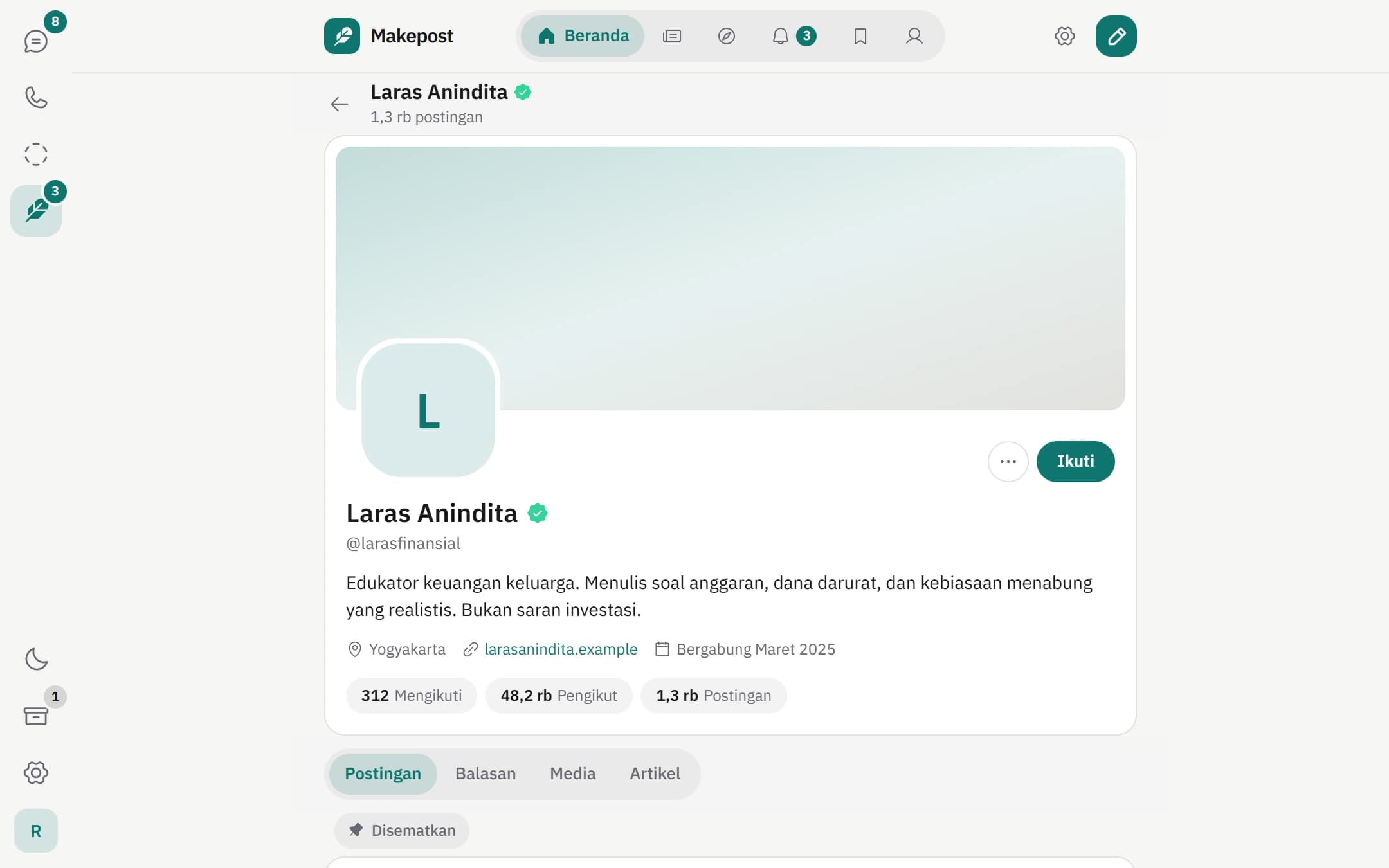
Check marks that mean something.
Blue, gold, and green checks are granted by the Make team to premium, business, and public figure accounts. A grey check marks a verified News Portal.
Need more help?

Start on your phone or in your browser.
Download Make for Android, or create an account on the web. Makechat web connects to the account on your phone with a QR code.
Available on Android and the web. The iOS version is not on the App Store yet.